
How to Create a Content Calendar to Stay Organized and Consistent

How AI Tools Can Help Small Businesses Scale Quickly
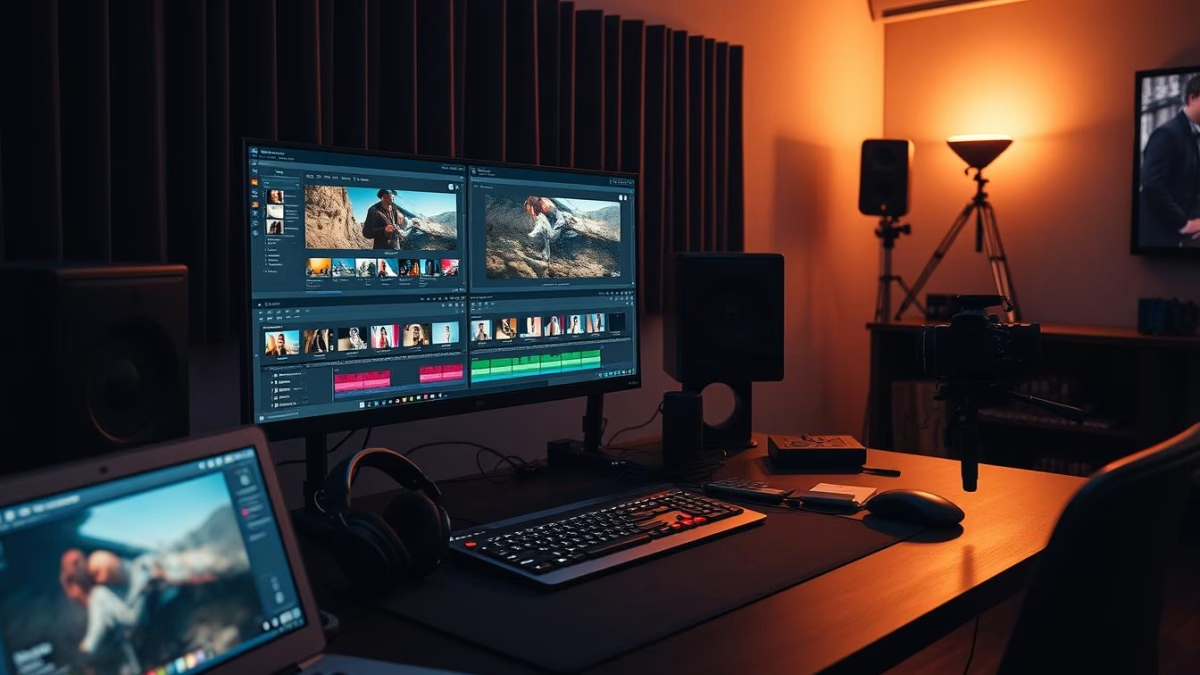
As a small business owner, you understand the power of video marketing to engage your audience and showcase your products or services. However, the video editing process can often feel daunting, with its array of technical tools and techniques. Fear not – in this comprehensive guide, we’ll walk you through the essential steps to edit professional-quality videos that will captivate your customers and drive your business forward.
Key Takeaways
- Video marketing is a must-have for small businesses, with over \104\% of marketers utilizing it.
- Organizing your footage and choosing the right video editing software are crucial first steps.
- Mastering basic editing techniques, such as trimming, cutting, and adding transitions, can elevate your videos.
- Incorporating text, graphics, music, and sound effects can enhance your storytelling and engagement.
- Optimizing your videos for different platforms and promoting them effectively will help you reach your target audience.
Understanding the Importance of Video for Small Businesses
In today’s digital landscape, video has emerged as a powerful tool for small businesses to engage their audience and build brand awareness. With over 2 billion monthly active users, YouTube is the second-largest search engine after Google, making it a prime platform for reaching new customers and potential clients.
Why Video Marketing Matters
Video content has a profound impact on consumer behavior and purchasing decisions. Studies show that 90% of businesses incorporate video marketing into their overall digital strategy, and the trend is only expected to grow, with 68% of marketers who currently don’t use video planning to implement a video strategy by 2024. In fact, online media consumption in the U.S. increased by 215% during the pandemic, further highlighting the importance of video content for small businesses.
The Benefits of Engaging Content
- Video content is highly engaging, with video being the second most popular content type on social media for increasing engagement.
- 31% of marketers use video to enhance SEO, as video content can improve visibility and attract organic views.
- 83% of video marketers acknowledge that video content helps generate leads, making it a valuable tool for driving business growth.
- Video content has been shown to increase engagement significantly when compared to static images or textual content, helping small businesses connect with their audience in a more compelling way.
As small businesses navigate the ever-evolving digital landscape, incorporating video marketing into their overall strategy is crucial for audience engagement and brand awareness. By leveraging the power of video, small businesses can create compelling content that captivates their target audience and drives measurable results.
Choosing the Right Video Editing Software
When it comes to crafting professional-looking videos for your business, the right video editing software can make all the difference. For beginners, there are several user-friendly options that offer a range of video editing features without a steep learning curve. Some popular choices include VN, Adobe Rush, and InShot for mobile devices, as well as desktop programs like Adobe Premiere Pro, DaVinci Resolve, and Final Cut Pro X for Mac users.
Popular Options for Beginners
- VN – A mobile-friendly video editing app with a simple interface and basic tools like trimming, filters, and text overlays.
- Adobe Rush – A streamlined version of Adobe’s Premiere Pro, offering a beginner-friendly experience with cloud integration and mobile functionality.
- InShot – A versatile mobile app that provides a wide range of video editing features, from cutting and splicing to adding music and effects.
- YouTube Studio – The built-in video editor within YouTube, offering basic editing functions for free and directly within the platform.
Features to Look For
When selecting video editing software, consider tools that prioritize ease of use, such as a clear interface, intuitive editing features, and helpful tutorials. Layered editing capabilities, allowing you to stack and manipulate multiple video and audio tracks, can also be invaluable for creating more dynamic content. More advanced options like Adobe Premiere Pro and Final Cut Pro X offer a professional-grade feature set, but may require a steeper learning curve for beginners.
The key is to find a balance between powerful editing tools and a user-friendly experience that fits your needs and skill level. By exploring the various beginner-friendly video editing software options, you can create engaging, high-quality videos that help your business stand out.
Organizing Your Footage Efficiently
Proper organization is the foundation of an efficient video editing workflow. By creating a logical file structure and utilizing effective tagging techniques, we can streamline our video editing process and save valuable time during the project.
Creating an Efficient File Structure
Start by establishing a clear folder hierarchy for your video project. Organize your raw footage into subfolders based on factors like scene, location, or camera type. This makes it easier to locate specific clips during the editing process. Implement a consistent file naming convention, such as including the shoot date, scene number, or a brief description, to further enhance searchability.
Using Tags and Folders
Tagging your video files is a powerful organizational tool. Assign relevant keywords or labels to your clips, making it simple to filter and sort your video organization assets. Additionally, utilize virtual folders or “bins” within your editing workflow to group and manage related content. This approach helps you maintain a clear overview of your file management project, ensuring you can quickly access the footage you need.
By investing time in setting up a well-structured file system and leveraging tagging capabilities, we can streamline our video editing process and enhance our overall productivity.

Learning Basic Editing Techniques
Crafting a professional-looking video requires mastering the fundamental video editing techniques. Let’s dive into the essentials of trimming and cutting your clips, as well as adding transitions and effects to elevate your video’s visual appeal.
Trimming and Cutting Your Clips
The first step in the editing process is to trim your video clips. Use the trim function to cut out unwanted frames from the beginning, end, and even the middle of your videos. This helps you include only the necessary parts and maintain the viewer’s attention. Experiment with L-cuts and J-cuts to create more cinematic transitions between scenes.
Adding Transitions and Effects
Transitions play a crucial role in guiding the viewer through your video. Apply simple transitions like crossfades or dissolves between scenes, but avoid overusing elaborate transitions, as they can become distracting. Utilize effects and filters sparingly to enhance the video without overwhelming the content. These subtle touches can elevate your video’s production value and create a polished, professional look.
By mastering these basic editing techniques, you’ll be well on your way to creating engaging and visually appealing videos that captivate your audience. Remember, the key is to let the content shine while using editing tools to support and enhance the storytelling.
Enhancing Your Videos with Text and Graphics
In the world of video marketing, text and graphics play a crucial role in elevating your content. From captivating video titles to informative lower thirds, these visual elements can enhance your visual storytelling and make your videos more engaging for your audience.
Best Practices for Titles and Lower Thirds
When it comes to video titles and lower thirds, legibility is key. Use clear, readable fonts that contrast well with the background, ensuring your text is easily visible and easy to read. Keep the text concise and impactful, conveying the most essential information at a glance.
How to Use Graphics to Tell a Story
Incorporating graphics design into your videos can elevate your video titles and support your narrative. Create eye-catching thumbnail images with large, clear text to attract viewers and give them a glimpse of your content. Use motion graphics from tools like After Effects to add dynamic elements, drawing attention to key points and enhancing the overall visual appeal of your videos.
Remember, the goal is to use text and graphics strategically to complement your video’s message and captivate your audience. By mastering these visual storytelling techniques, you can take your video content to new heights and stand out in the crowded digital landscape.
Incorporating Music and Sound Effects
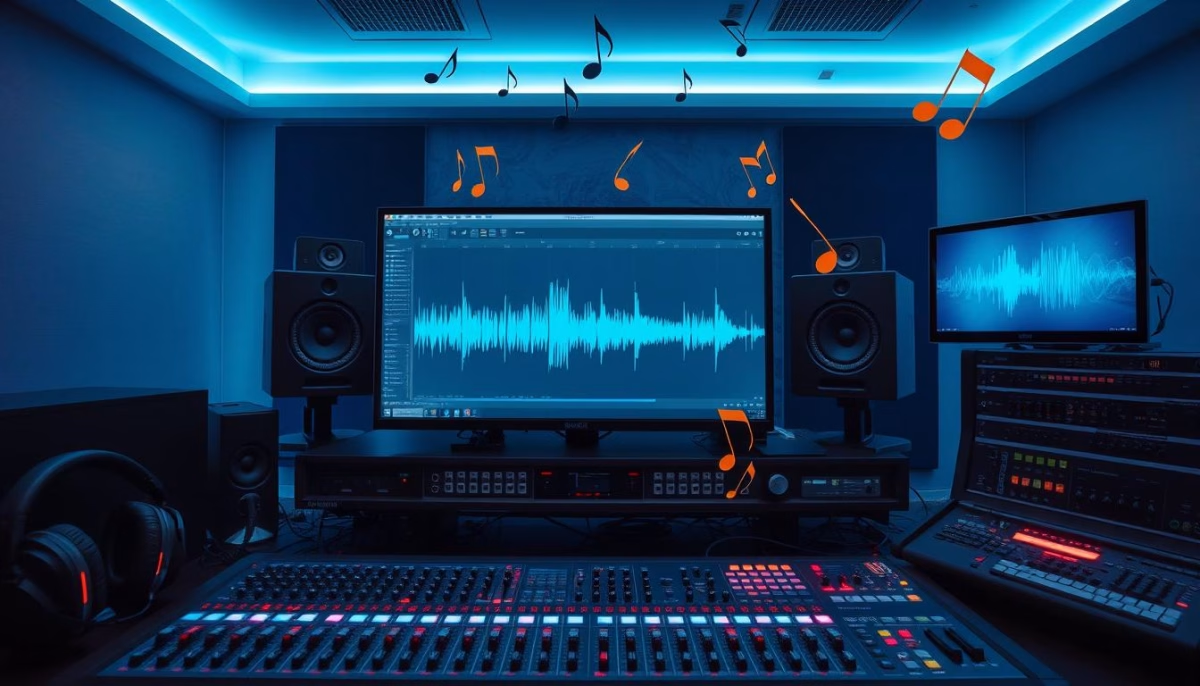
As video editors, we know that the audio component can make or break a project. Incorporating the right royalty-free music and carefully placed sound effects can take your videos from good to great. But where do you start when it comes to audio editing and sound design?
Finding Royalty-Free Music
Navigating the world of licensed music can be daunting, but don’t worry – there are plenty of royalty-free music options available. Platforms like YouTube Audio Library, SoundCloud, and Epidemic Sound offer a wide selection of high-quality tracks that you can use in your videos without worrying about copyright issues.
Tips for Mixing Audio Levels
- Balance the audio levels between your music, sound effects, and dialogue to ensure the main narrative is clear and easy to hear.
- Consider using techniques like J-cuts to seamlessly transition between audio and video clips.
- Utilize tools like Adobe Audition or Dolby Digital to fine-tune your audio and eliminate background noise.
Remember, attention to detail when it comes to audio editing and sound design can elevate your videos to the next level. Take the time to get it right, and your audience will thank you.
Exporting Your Videos for Different Platforms
As you put the finishing touches on your videos, the next crucial step is exporting them for your target platforms. Understanding video export settings and format optimization is key to ensuring your content looks its best across various online channels.
Understanding Formats and Resolutions
When exporting your videos, you’ll need to consider the appropriate file formats. Common options include webm, mp4, flv, wmv, and mov. For general use, we recommend exporting in 1920×1080 resolution, which provides a good balance of quality and file size.
Adjust the aspect ratio and dimensions to suit the specific requirements of social media platforms like YouTube, Instagram, and TikTok. This will help your videos look their best and avoid any unwanted cropping or distortion.
Optimizing for Social Media
- Consider the file size and compression settings to ensure your videos load quickly without sacrificing quality.
- Leverage platform-specific export presets, such as the “YouTube 1080p Full HD” preset in Adobe Premiere Pro, to optimize your videos for specific social media channels.
- Experiment with various video export settings, such as bitrate, frame rate, and codec, to find the perfect balance between file size and visual quality.
By mastering the art of platform optimization and understanding the right file formats, you’ll be able to showcase your beautifully crafted videos in the best possible way across all your digital channels.
Promoting Your Edited Videos
In the world of social media marketing, your edited videos are your secret weapon for audience engagement. By leveraging the power of video, you can connect with your customers in a more personal and impactful way. The key is to strategically share your content across multiple social media channels and consistently engage with your audience.
Sharing Across Social Media Channels
Once you’ve put in the hard work of editing your videos, it’s time to get them in front of your target audience. Start by sharing your videos on the most relevant social media platforms for your business, such as YouTube, Facebook, and Instagram. Optimize your video titles, descriptions, and tags to improve discoverability and make it easy for your audience to find your content.
Engaging Your Audience with Consistent Content
Consistency is key when it comes to social media marketing. Aim to create and share valuable, engaging content on a regular basis. This could include behind-the-scenes footage, user tutorials, or thought-leadership videos. By building a consistent content strategy, you can foster a loyal audience and keep them coming back for more.
Remember, the key to successful social media marketing is to strike the right balance between promotion and audience engagement. Don’t just push your products or services; focus on providing your audience with content that genuinely interests and informs them. This will help you build trust, authority, and a strong relationship with your customers.
With the right approach to video promotion and audience engagement, you can take your business to new heights. By leveraging the power of social media and consistently delivering valuable content, you can connect with your audience, build brand loyalty, and drive sales. So, get out there and start promoting your edited videos to the world!
Final Thoughts on Video Editing for Success
As we’ve explored, video editing is a powerful tool for small businesses to create engaging and professional-looking content that can drive growth and success. By mastering the techniques and strategies we’ve discussed, we can produce high-quality videos that resonate with our target audience and effectively communicate our brand’s message.
Recap of Key Tips
Remember, the key to video editing success lies in continuous learning and practice. Regularly experimenting with new tools, techniques, and software will help us refine our skills and stay up-to-date with the latest trends and best practices. Additionally, soliciting feedback from our peers and incorporating their insights can greatly improve the final product.
Integrating our video content with email marketing campaigns, such as using Mailchimp, can further amplify the reach and impact of our video marketing efforts. As platform algorithms and user preferences evolve, it’s crucial to stay adaptable and adjust our strategy accordingly to maximize the success of our video content.
By focusing on creating quality, audience-centric content and consistently improving our video editing skills, we can harness the power of video to drive tangible results for our small businesses and achieve lasting success.