The Power of Visual Content in Small Business Marketing
Conducting an SEO Audit for Your Small Business Website
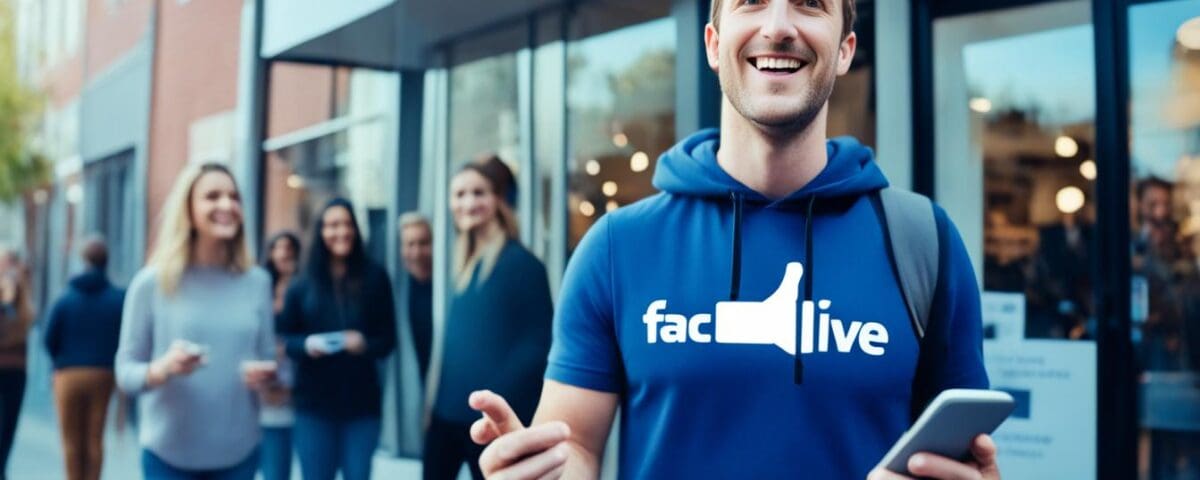
In today’s digital landscape, small businesses are constantly seeking new and innovative ways to connect with their target audience. One powerful tool at their disposal is Facebook Live – a live streaming feature that allows us to engage with our customers in real-time, fostering deeper connections and driving meaningful interactions.
Facebook Live has witnessed a surge in popularity, with over 800 million daily active users across Facebook Live and Instagram Live, and more than 10 billion broadcasts made since its launch. This explosive growth underscores the immense potential of live streaming as a powerful marketing and communication tool for small businesses.
Key Takeaways
- Facebook Live enables small businesses to connect with their audience in real-time, showcase products, conduct Q&As, and provide behind-the-scenes glimpses.
- Live streaming has seen a significant increase, with a 50% growth in Facebook Live viewers in the United States from February 2020 to March 2020 and a 2x year-on-year increase in Facebook Live broadcasts from Pages in June 2020.
- Businesses like Tesco Malaysia and Lulu’s (Taiwan) have successfully leveraged Facebook Live to reach new audiences and drive sales.
- Facebook Live offers a range of features, including live polls, featured links, live comment moderation, and the ability to tag collaborators and interact with viewers in real-time.
- Utilizing Facebook Live can help small businesses enhance their brand visibility and foster stronger relationships with their customers.
The Rise of Live Streaming and Its Benefits
In recent years, live streaming has experienced a remarkable surge in popularity, driven by the global pandemic that has accelerated the shift towards virtual interactions. According to Facebook, daily active users across Facebook Live and Instagram Live exceeded 800 million, and there was a 50% growth in Facebook Live viewers in the United States from February 2020 to March 2020. Additionally, Facebook reported a 2x year-on-year increase in Facebook Live broadcasts from Pages in June 2020.
Live Streaming Trends and Statistics
The demand for live streaming content continues to grow, with 53% of companies streaming live videos at least once per week. Consumers now expect real-time communication from businesses, with 71% of those surveyed globally saying they want companies to respond to them in real-time. By leveraging the immediacy and interactivity of live streaming, small businesses can meet this growing demand and foster deeper connections with their audience.
- 80% of consumers prefer to watch live brand videos over reading a blog post.
- Live videos on Facebook experience six times more interactions than pre-recorded videos.
- Live streams on Instagram are positioned in the top left corner, ensuring high visibility.
- Interaction with viewers on live streams can build trust and engagement.
- Quality live streams help in making an instant personal connection with the audience.
By embracing live streaming, small businesses can leverage the power of real-time communication and audience engagement to connect with their target audience in a more meaningful and authentic way.
Setting Up Your Facebook Live Stream
Getting started with Facebook Live is a simple process, and you can start broadcasting using just a smartphone and a stable internet connection. However, for a more professional-looking live stream, businesses may want to consider investing in standalone video cameras and streaming software.
Before going live, it’s essential to test your Facebook Live setup, ensure a strong internet connection, and limit potential distractions. You can use a tripod or stabilizer to capture a steadier shot, and scheduling your broadcast in advance can help notify your audience and build anticipation.
Technical Requirements and Setup
When setting up your Facebook Live stream, you’ll need to consider your camera and audio equipment. Mobile streaming offers convenience for events and impromptu broadcasts, while desktop streaming provides a more professional setup with additional features like scheduling, screen sharing, and graphics overlays.
- For mobile streaming, consider using a microphone and stability accessories to enhance the video and audio quality.
- For desktop streaming, an external webcam like the Logitech C920 or Logitech Brio can provide higher video quality.
- Popular third-party software tools for enhancing Facebook Live broadcasts include eCamm Live and Streamyard.
Regardless of your setup, ensure you have a reliable internet connection with a minimum upload speed of 20 Mbps for the best live streaming experience. It’s also recommended to use a 720p resolution to balance video quality and bandwidth consumption.
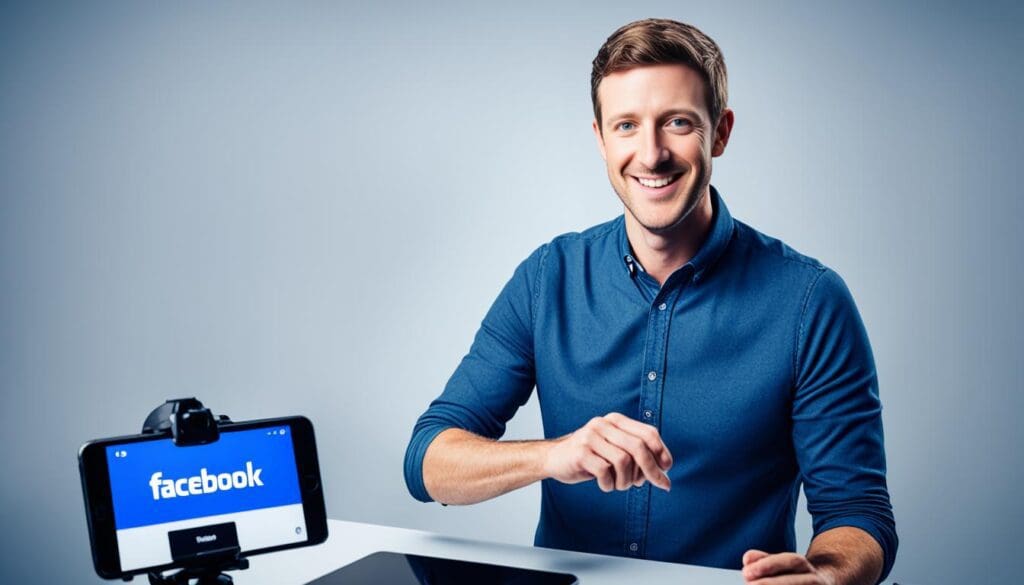
By testing your equipment, optimizing your internet connection, and being mindful of potential distractions, you can create a smooth and engaging Facebook Live experience for your audience.
Facebook Live: Strategies for Audience Engagement
Fostering audience engagement is the key to a successful Facebook Live session. As we connect with our viewers in real-time, it’s crucial to acknowledge them, respond to their comments and questions, and maintain eye contact with the camera. By introducing new viewers to the content and repeating our key messages at regular intervals, we can ensure everyone stays engaged throughout the broadcast.
To further enhance audience participation, we can encourage input, run polls, or even invite viewers to join the stream. Effective use of on-screen text can also help guide the conversation and provide context for those tuning in. By building a sense of community and interactivity, we can strengthen our relationships with the audience and keep them coming back for more.
Recent research has shown that longer Facebook Live videos with a compelling storyline tend to resonate better with audiences, as they provide more time for viewers to tune in and engage. Additionally, scheduling our live broadcasts can help drive loyalty and intent among our followers, ensuring they’re aware of upcoming sessions.
- Leverage real-time interaction tools like live polling and comment moderation to enhance audience participation.
- Extend the reach of your Facebook Live broadcast by creating shareable, snackable content through live clipping tools.
- Monitor engagement levels and analytics to refine your Facebook Live strategy and drive continuous improvement.
By weaving these strategies into our Facebook Live approach, we can unlock the true potential of this powerful platform and connect with our audience in meaningful, lasting ways.
Promoting and Measuring Your Facebook Live Sessions
Unleash the full potential of your Facebook Live sessions by leveraging effective promotion strategies and insightful performance metrics. Harness the power of Facebook’s live streaming capabilities to engage your audience and drive meaningful results for your small business.
Start by scheduling your Facebook Live broadcasts in advance, giving your audience ample time to plan and build anticipation. Utilize features like the Instagram Countdown Sticker to further amplify the excitement leading up to your live event. Promote your upcoming live stream through a variety of organic and paid channels, such as Facebook events, collection ads, and boosting the live video while it’s still active.
Once your Facebook Live session is complete, delve into the performance insights available through Creator Studio. Analyze metrics like unique viewers, peak live viewers, and viewer interactions to gauge the reach and engagement of your broadcast. Consider conducting brand lift or conversion lift tests to measure the incremental impact of your live streams on crucial metrics like brand recall and sales.
Leveraging these insights will empower you to refine your Facebook Live strategy, identify areas for improvement, and maximize the effectiveness of your future live streaming efforts. By promoting your live sessions effectively and closely monitoring their performance, you can harness the power of Facebook Live to drive meaningful engagement and measurable results for your small business.
- Facebook Live has over 2.7 billion active users per month
- In March 2020, Facebook introduced Live Producer to enhance the options available to producers of live video content
- Users can schedule live sessions up to a week in advance on Facebook Live Producer to generate awareness and increase attendance
- Consider a Facebook Live session as an event that requires planning, promotion, and follow-up to maximize its impact and effectiveness
By embracing the power of Facebook Live promotion and measurement, you can elevate your small business’s online presence, foster deeper connections with your audience, and drive meaningful results that contribute to your overall marketing success.
Conclusion
As we’ve explored, Facebook Live offers a powerful opportunity for small businesses to connect with their audience in a meaningful and authentic way. By understanding the latest Facebook Live best practices, setting up your live streams effectively, and implementing strategic audience engagement tactics, you can leverage this tool to build brand awareness, foster customer loyalty, and ultimately drive small business growth.
Remember, live streaming is an iterative process, so don’t be afraid to try new approaches, learn from your experiences, and continuously improve your efforts. With the right long-term strategy and execution, Facebook Live can become a valuable asset in your small business marketing toolkit, helping you to engage your audience and take your business to new heights.
So, let’s embrace the power of Facebook Live and use it to connect with our customers in a way that truly resonates. By doing so, we can strengthen our brand, foster meaningful relationships, and position our small businesses for long-term success.