

Strategies to Improve Customer Retention for Small Businesses

Best SEO Tools for Small Business Owners in 2024

In today’s fast-paced digital world, data shapes our marketing success. Marketers thrive by using data to improve strategies and hit goals. Google Analytics is a key tool that offers deep insights into our marketing efforts, online and offline.
This free tool from Google gives us vital metrics and analysis power. It helps us understand our website’s traffic, how users behave, and how well our marketing works. With Google Analytics, we can optimize our strategies and drive business growth.
This in-depth guide will teach you about Google Analytics. You’ll learn how to set up your account, install the tracking code, and customize reports. We cover everything you need to know to use Google Analytics effectively for your marketing success.
### Key Takeaways
- Google Analytics is a free tool that provides crucial data for tracking marketing success
- It integrates seamlessly with other Google products like Ads, Search Console, and YouTube
- Proper setup involves adding tracking code, setting up goals, and enabling e-commerce tracking
- Google Analytics can track both online and offline marketing campaigns
- The platform offers valuable insights into audience demographics, user behavior, and traffic sources
Introduction to Google Analytics
In today’s fast world of digital marketing, knowing how to use data is key. We stress the importance of using data analytics for smart decisions and planning. Google Analytics stands out for marketers. It offers a wide range of tools and is easy to use, making digital marketing and marketing strategy simpler.
Overview of the Importance of Data Analytics in Marketing
Google Analytics is one of the top tools for businesses wanting to improve their online presence. It’s known for giving key info that helps marketers make choices based on facts. This strengthens their data-driven marketing strategies and helps them reach their objectives.
Google Analytics as a Powerful Tool
Google Analytics is a key web analytics tools platform. It automatically tracks important actions on websites. The GA4 version does this without using cookies for tracking. This means it’s more focused on keeping user data private.
Setting Up Google Analytics
Starting a Google Analytics account opens doors to loads of data. This data can boost your marketing plans. The process is easy. It shows you the steps needed to make your analytics platform. Then you can start tracking your website’s success.
Creating a Google Analytics Account
To begin, let’s make a Google Analytics account. You will need to list some basic details about your business. This includes the account name, your website’s URL, what your business does, and your time zone. After you submit this, Google Analytics will give you a special tracking ID. This ID is crucial. It helps collect data about your website’s visitors.
Installing the Tracking Code on Your Website
The essence of Google Analytics is tracking what people do on your site. To do this, you must add the tracking code to every page. This first step collects data. It starts capturing important details about your visitors and their activities.
Verifying and Testing the Tracking Code
Making sure the data collected is accurate is key. You should check and test the Google Analytics tracking code. This ensures it’s working right. Google Analytics gives you a way to verify the code. Testing it helps to smoothly send data from your website. This gives you trustworthy insights to act on.
Navigating the Google Analytics Dashboard
After setting up your Google Analytics account and placing its tracking code, we’ll show you around the dashboard. This walkthrough is a deep dive into its main features. It will help you understand how to use Google Analytics to boost your marketing plans.
Overview of the Main Sections
The Google Analytics dashboard has four main sections: Home, Customization, Reporting, and Admin. Each section offers tools to study your website’s performance and how users engage with it.
The Home section is where you get an overview of crucial website stats, like visits and page interactions. It helps you quickly check how well you’re doing and spot areas for improvement.
In the Customization section, you can make the dashboard your own. Create reports, dashboards, and more to focus on what’s important to you. This is great for addressing your specific business goals.
The Reporting area has ready-to-use reports on your site’s traffic, where it comes from, and what users do there. Exploring these reports uncovers insights you can act on to better your site.
Then, there’s the Admin section for managing your account settings and who can access them. This is key for keeping your data safe and accurate.
Understanding Key Metrics and Terminology
It’s vital to know the key terms and metrics in Google Analytics. Understanding common terms helps make sense of how your site is doing. Let’s go over a few:
- Sessions: Show the amount of time a user spends on your site at once.
- Pageviews: Counts each time a page on your site is seen, refreshing a page counts as another view.
- Bounce Rate: Tells you the percentage of users who leave after seeing only one page.
- Conversion Rate: Shows the percentage of people who do what you want, like buying something or signing up.
Grasping what these metrics tell you is a big part of understanding your site’s success. And as you use Google Analytics more, you will come across many other terms. All of these terms help you use the data to make better choices for your site.
Customizing Reports and Tracking
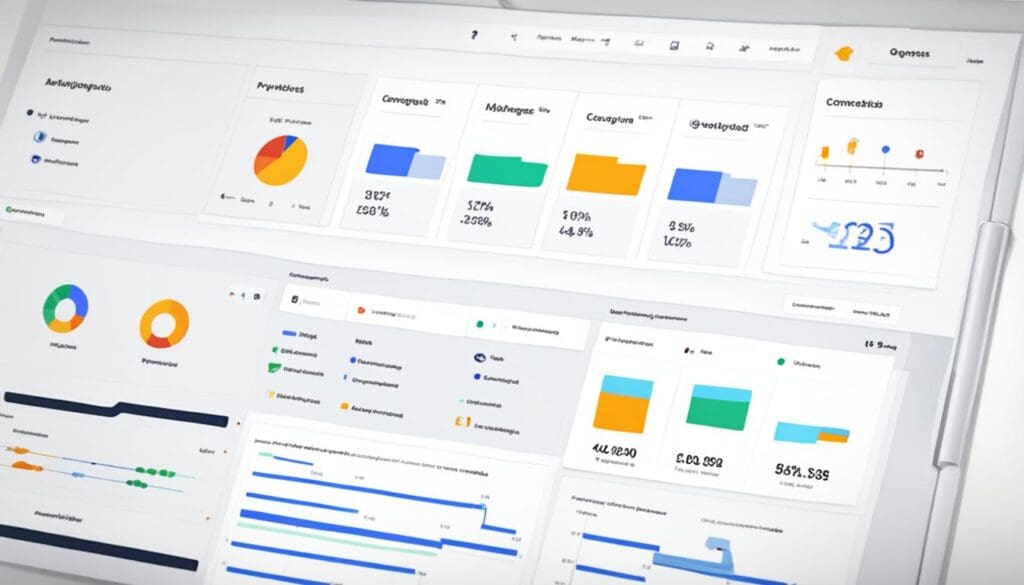
We, as marketers, know customizing Google Analytics reports is key. It helps us get valuable insights. Using google analytics custom dashboards lets us focus on our business’s specific needs and marketing goals.
Creating Custom Dashboards
Google Analytics lets us make our own data visualization dashboards. These dashboards show the performance tracking metrics most important to us. This makes our work more efficient and keeps us focused on critical data for our decisions.
Utilizing Segments for Targeted Analysis
Google analytics segmentation is extremely powerful for targeting our analysis. Segments allow us to focus on specific groups in our data, like user demographics or behaviors. Using segmentation lets us aim our audience targeting more accurately. It helps us improve our campaigns’ impact and guides our marketing strategies with solid, data-driven insights.
Setting Up Goals and E-commerce Tracking
Setting up google analytics goals and e-commerce tracking is critical. Defining key actions, such as form submissions or purchases, as goals gives us important insights. It shows how well our campaigns are in converting. E-commerce tracking, on the other hand, gives us a deep look at sales data. This knowledge helps with our conversion optimization efforts and boosts our revenue.
Audience and Behavior Analysis with Google Analytics
Google Analytics shows you who visits your website and how they behave. It helps you make marketing that really targets people. By understanding your audience better, you can change what you do to fit them.
Demographic Data
The Demographic reports in Google Analytics tell you about the ages and genders of your visitors. Knowing this, you can aim your message right at them with content that they’ll like. Understanding your audience is key for targeting the right people with your ads and content.
User Behavior
Using Google Analytics, you can follow what people do on your site. You see which pages they visit and what they click on. This helps you improve your site so it’s easier for visitors to do what you want, like buying something or signing up.
Acquisition Sources
It’s important to know where your site visitors come from. Google Analytics tells you if they found you through a search, a link, or an ad. Knowing this helps you use your marketing money wisely, getting the most from every dollar you spend.
Site Content Overview
With Site Content reports, you can see how each page is doing. This tells you what people like, so you can make more of that. It’s all about making your site better for your visitors.
Event Tracking for User Interactions
Event Tracking in Google Analytics lets you watch specific things users do. You can track actions like watching a video or filling out a form. This deepens your understanding of what your visitors want and do on your site.
Identifying Top-Performing Pages
Google Analytics tells you which pages are doing the best and why. This can shape how you make content, so it’s more appealing to your visitors. It’s all about understanding what works and doing more of it.
Acquisition and Conversion Tracking
Understanding where our website visitors come from and how they use our content is vital. Google Analytics is key here, offering tools for deep analysis. This lets us use data to improve our marketing.
Understanding Traffic Sources
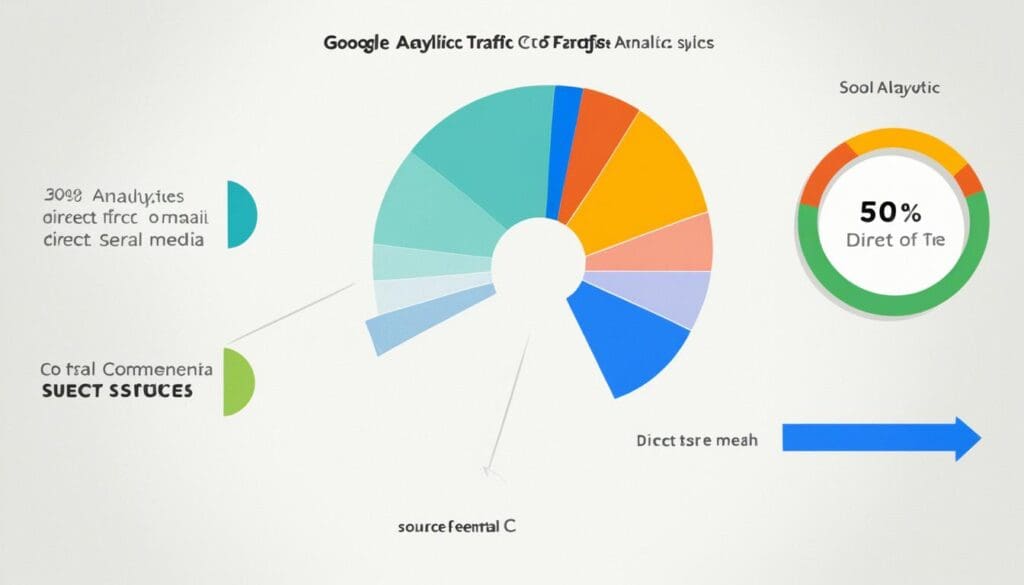
Google Analytics helps break down where website traffic comes from. It shows us if visitors come from searches, ads, direct visits, or other sites. With this data, we can focus our efforts better, find what works best, and get the most out of our marketing budget.
Analyzing Referral Traffic
Looking at referral traffic with Google Analytics uncovers insights. It shows which other websites bring users to ours. This can help us find new partnership opportunities and improve our website to attract more of the right visitors.
Exploring Organic and Paid Search Data
Google Analytics also helps with search engine data. We can find keywords that work well, check how our ads are doing, and tweak our SEO and ad strategies. This info guides us to decisions for sustainable growth and better marketing results.
Setting Up and Tracking Conversions
Tracking conversions is key to our marketing success. With Google Analytics, we can set goals that fit our business, such as sales or form completions. Then, we analyze how users reach these goals, seeing which steps are most important. This helps us understand which parts of our marketing are most effective.
Conclusion
We’ve talked about how using Google Analytics helps measure marketing success. By using it, marketers get vital data. This data helps them make better decisions and grow their small businesses. We recommend using Google Analytics for better data-driven marketing.
Google Analytics helps small business owners understand their audience and website. It also shows how well their marketing is doing. This info leads to better choices, improves user experience, and helps businesses grow.
Google Analytics is key in today’s online world. It guides through the complexity of marketing. By mastering this tool, readers can find new possibilities, improve their marketing, and see their business grow steadily.